See a guided demo
Watch it work
Sit back — each demo drives itself end to end so you can see exactly how a document flows through the app.
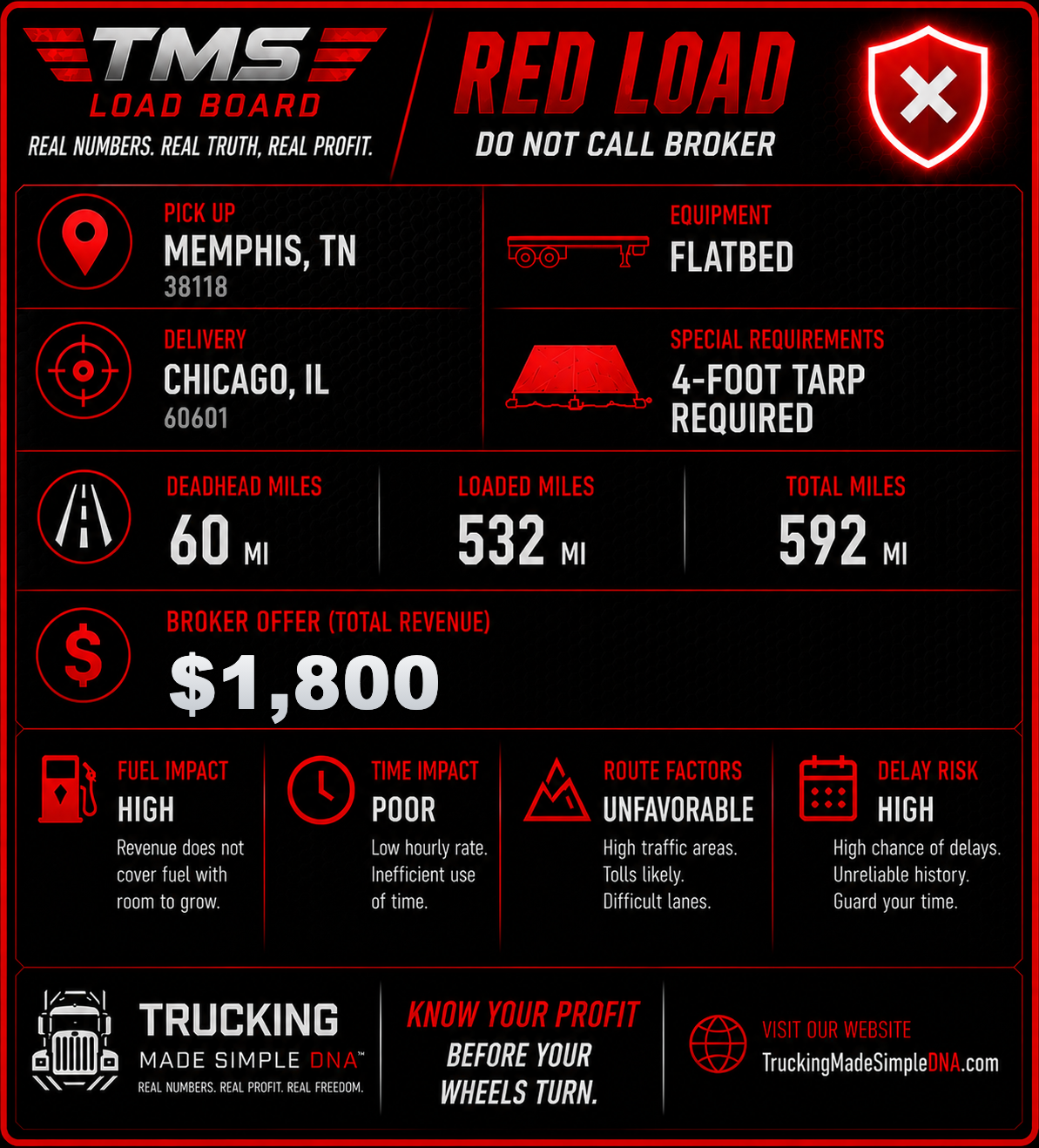
Load Board Screenshot
Read a load post, parse the numbers, and run it through FuelDesk.
Rate Confirmation
Read a broker rate con, review the parsed load, and open it as a Pre-Trip.
Fuel Receipt
Read a fuel receipt, review the parsed fields, and save it to Expenses.
Upload or Scan Document
Rate cons, receipts, invoices, tolls, scales, permits — PNG, JPG, WEBP
Document Scanner
Fill the frame with the document, keep it flat, then capture.
Smart crop on
Smart crop is on. Put the full document in the frame.
Example loads — upload one of these to try it
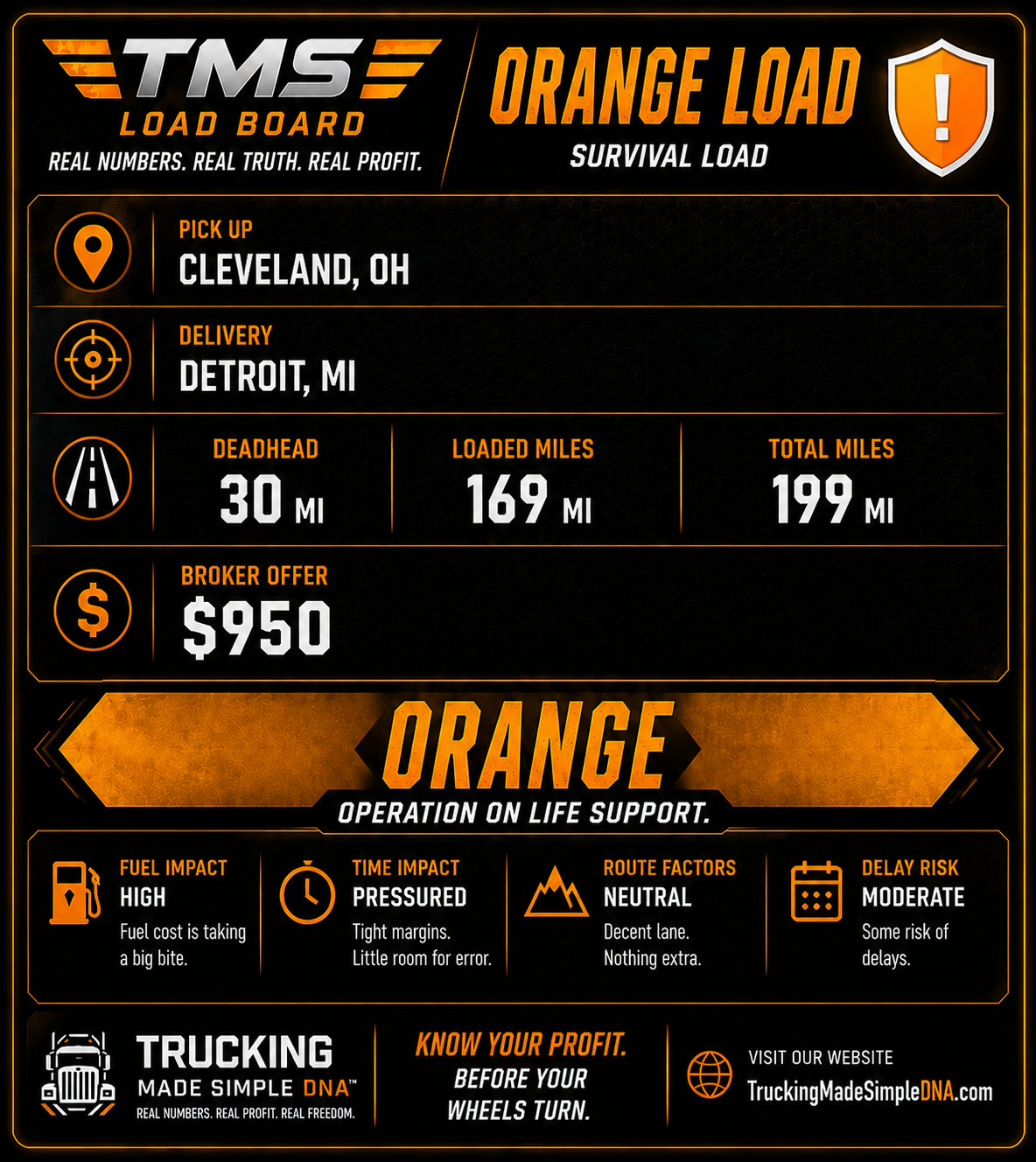
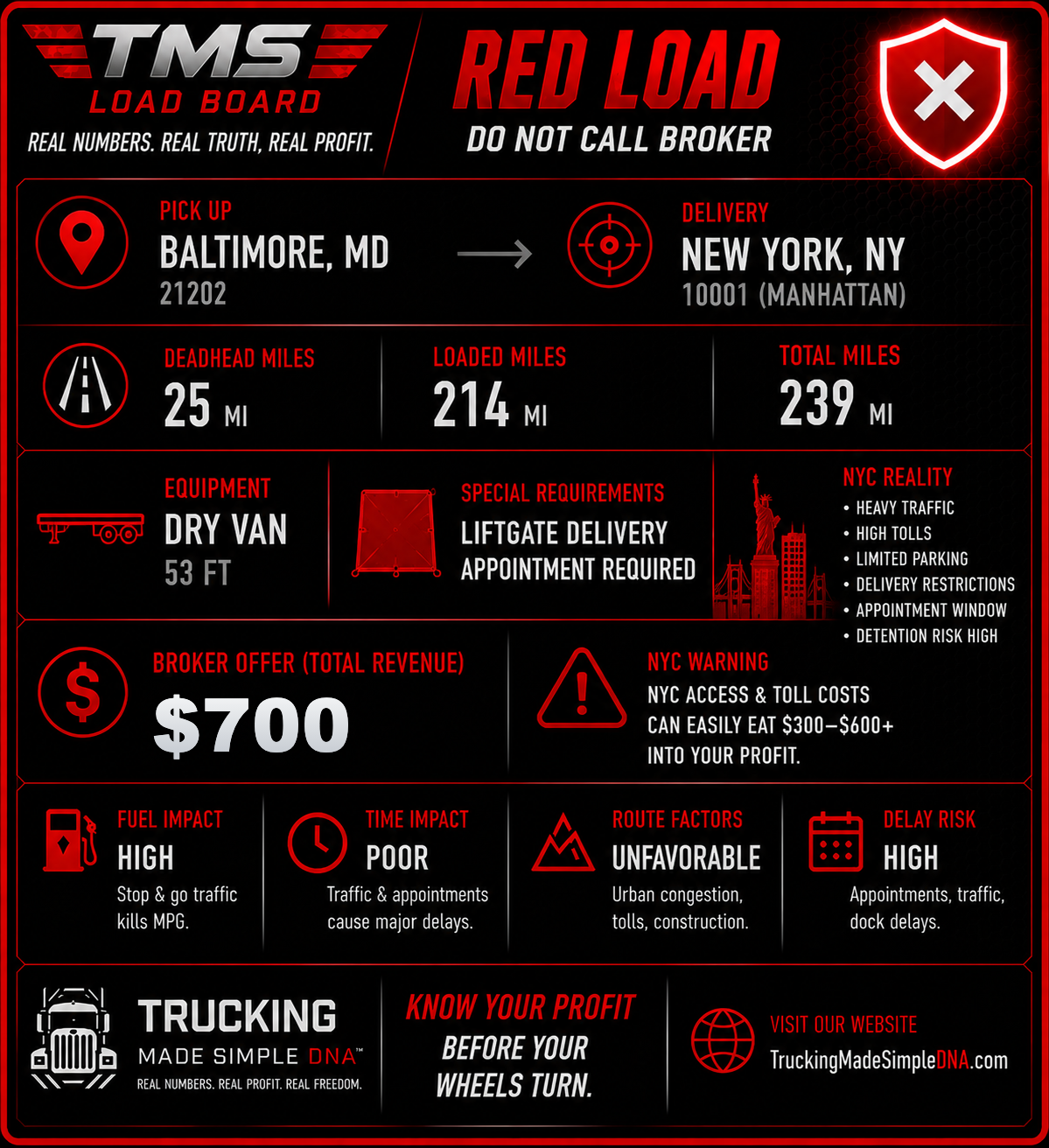
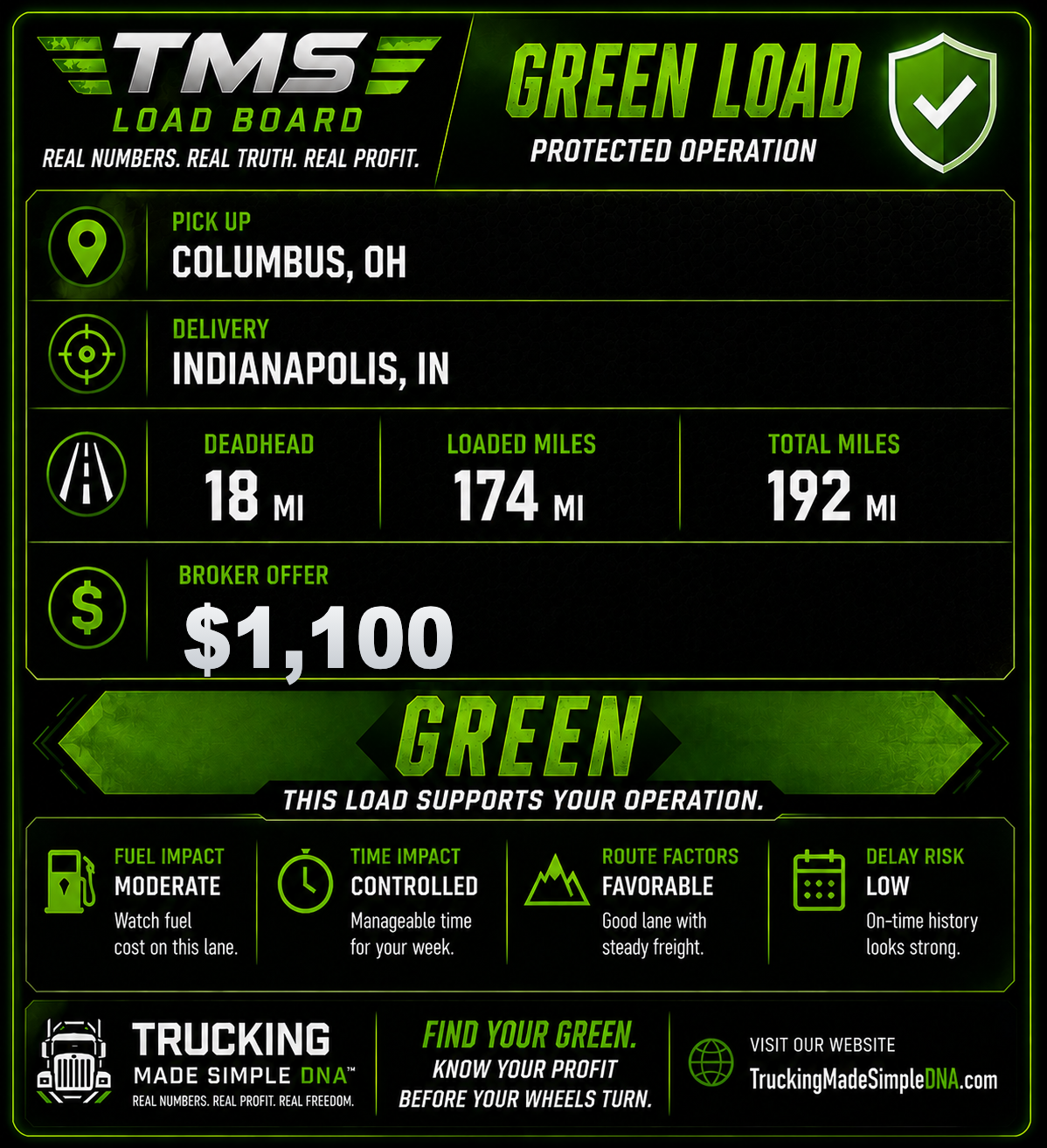
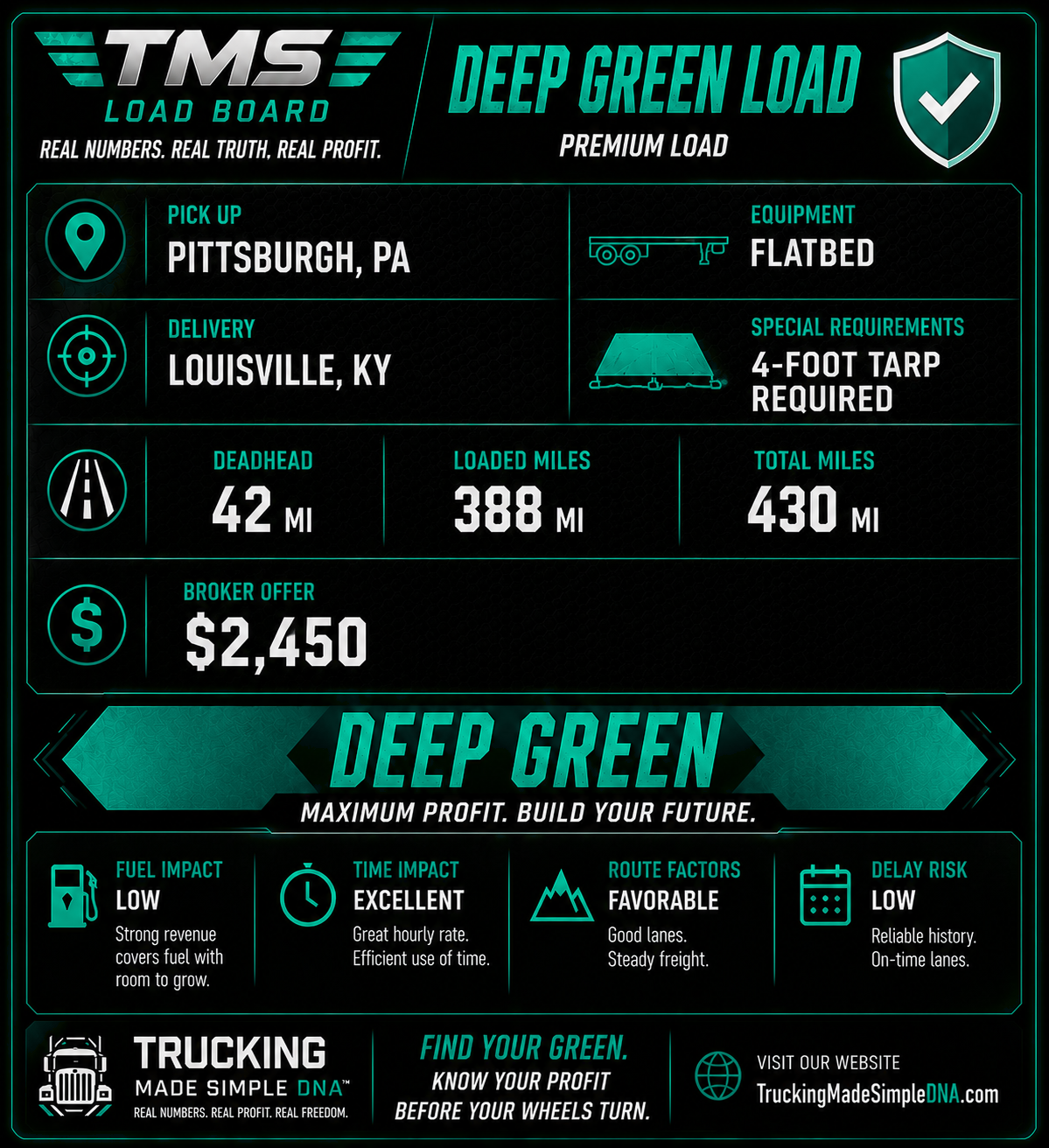
Smart Scan Preview
Review the cleaned image before reading it.
Smart Scan
Reading screenshot…
This takes about 10–20 seconds. Please wait.
Document Read
Review and correct anything below before sending to FuelDesk.
— → —
Green border = found in screenshot · Amber border = estimated, edit if needed · Red border = not found, enter manually
Only if shown on load
Only if shown on load
Document Review
FuelDesk made a first pass. Confirm or correct the fields before saving.
Confidence —
Nothing saves until you confirm.